25+ Santri
Junior High Cohort
Boarding students introduced to app programming
How decoupling syntax from logic enabled junior high students to transform abstract computational concepts into working Android applications.
"When students realized that the apps on their smartphones aren't magic, but understandable logic puzzles they can build themselves, their curiosity exploded."
Junior high students live in a world saturated with mobile technology, yet few have ever contemplated what happens beneath the glass display. During this outreach session at SMP INS Depok, my goal was to bridge that conceptual divide. I began not by lecturing about theory, but by asking them about their favorite smartphone games and apps. By dissecting familiar mechanics—such as what triggers a button press or how a notification pops up—I showed them that software is simply a sequence of clear instructions waiting to be written.
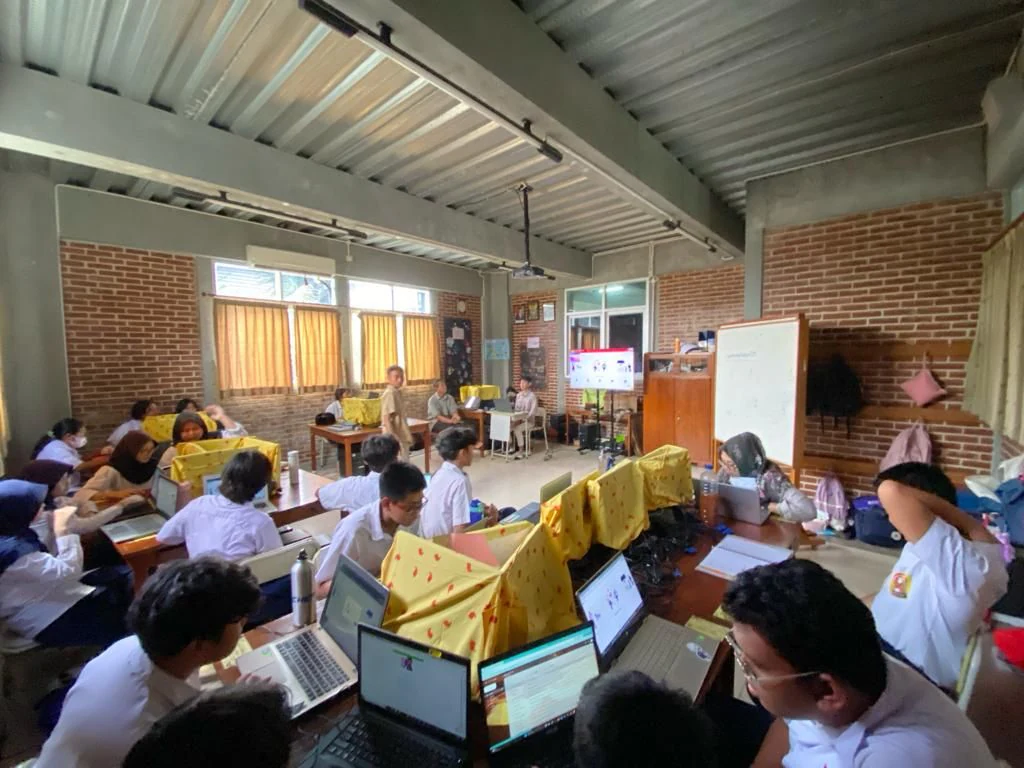
Using Kodular's visual block environment, students could bypass the frustration of typing errors while absorbing the fundamental core of computer science: variables, condition gates, and event handlers. We connected their workstation computers to physical Android testing devices. Whenever a student connected a block, their phone screen immediately updated in real time. That tactile, instant feedback loop created electrifying engagement across the computer lab.
By the end of the workshop, each student had designed and compiled their own functional Android application—ranging from personalized islamic daily reminder tools to interactive audio soundboards and multi-stage quiz games. Watching them show their screens to their dorm peers with genuine pride proved that empowering young minds with creator tools unlocks creativity that traditional passive learning never could.
A fast-paced, highly visual curriculum designed to turn adolescent curiosity into functional mobile prototypes.
Understanding smartphone screen hierarchies, button placements, color contrast, and organizing visual components cleanly.
Connecting visual triggers to functional events: button clicks, timer ticks, and sound effects using visual block connections.
Structuring complete multi-screen user journeys: splash screen, main dashboard, interactive content, and return routes.
Compiling standalone Android installer packages, scanning QR installation codes, and testing live functionality on smartphones.
Key takeaways on maintaining adolescent engagement, utilizing visual abstractions, and celebrating immediate wins.
When beginners can see the immediate physical effect of their logic on a smartphone screen in their hand, concepts click ten times faster than reading terminal text outputs.
For junior high learners, enforcing punctuation and bracket syntax often kills enthusiasm before logic can take root. Visual blocks preserve intellectual rigor while keeping the barrier to entry friendly.
The transition from being an entertainment consumer to holding an app you designed and built yourself permanently shifts how a young person views the digital world.
Visual archives documenting the mobile application training sessions and student project demos at SMP INS Depok.
Explaining event handlers, button triggers, and screen routing on the projector for the junior high student cohort.
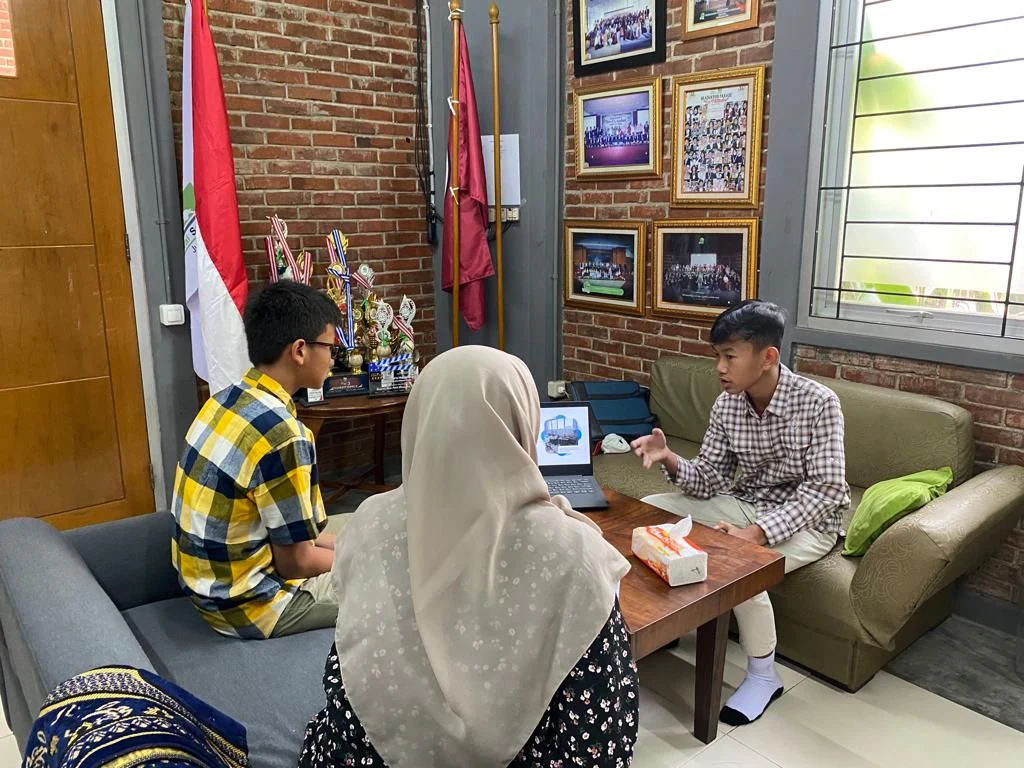
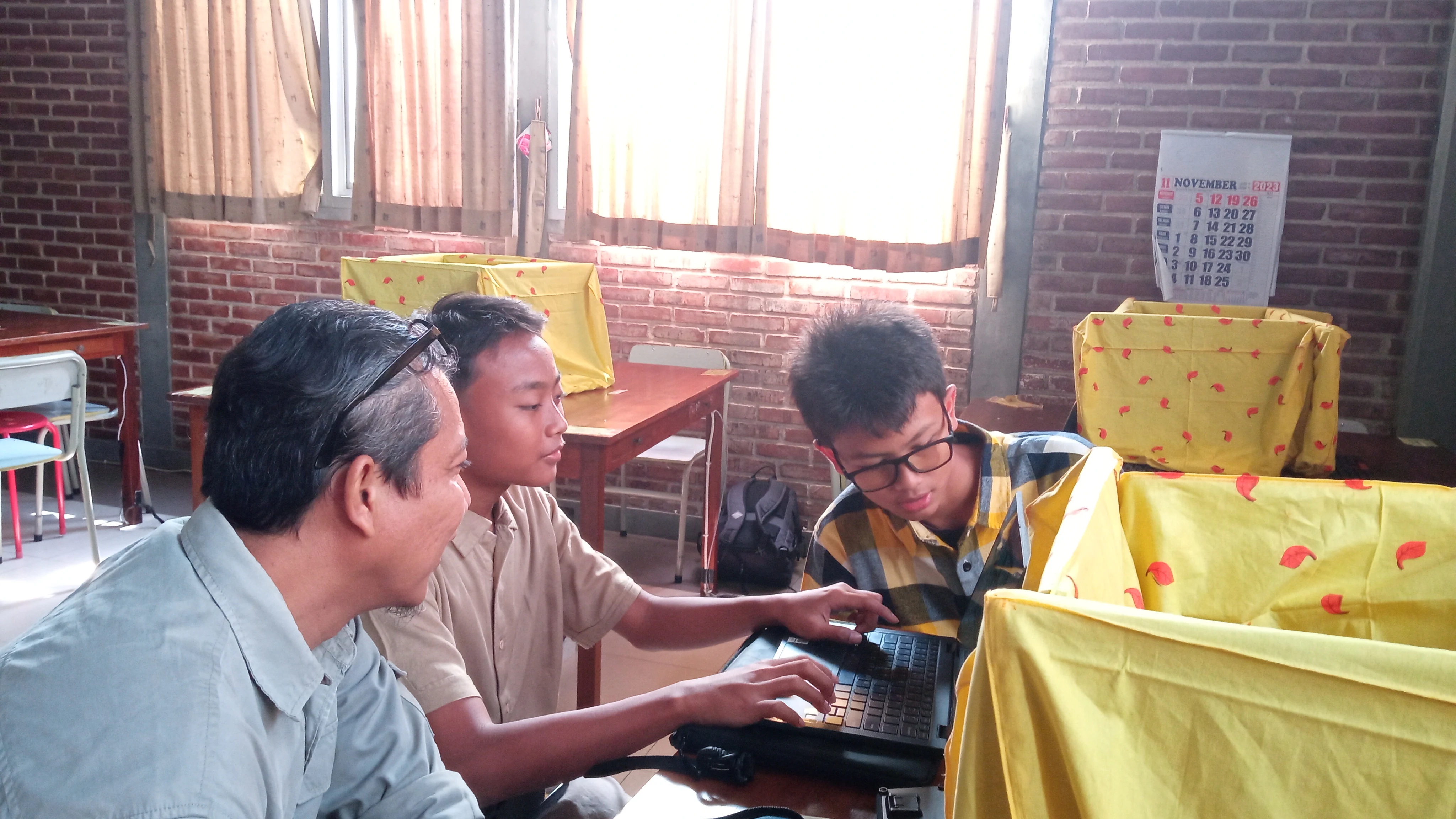
Supporting students as they assembled their first mobile screens and linked UI buttons to functional events on their computers.
Gathering with the eager student participants and school staff following the successful app showcase and live demo.